Information on data transfers
The Federal Ministry of Education ensures that all partner applications participating in the education portal have concluded GDPR-compliant contracts and regulates with the partners which interfaces may be used by the respective applications (e.g. retrieval of user data, triggering of notifications). The menu item "Datatransfers" allows you to view all applications connected to the education portal and their respective interfaces.
If a school activates an application for at least one group of their users via the menu item "Applications", the activated application can use the interfaces agreed upon with the Federal Ministry of Education and access the corresponding data of the school. Applications provided by the FME like eduthek or edutube are activated by default and cannot be disabled.
Display data transfers
To display applications that use interfaces to transfer data, open the menu item Data transfers in the widget Organization. All applications that use interfaces to fetch your data are listed in My data transfers
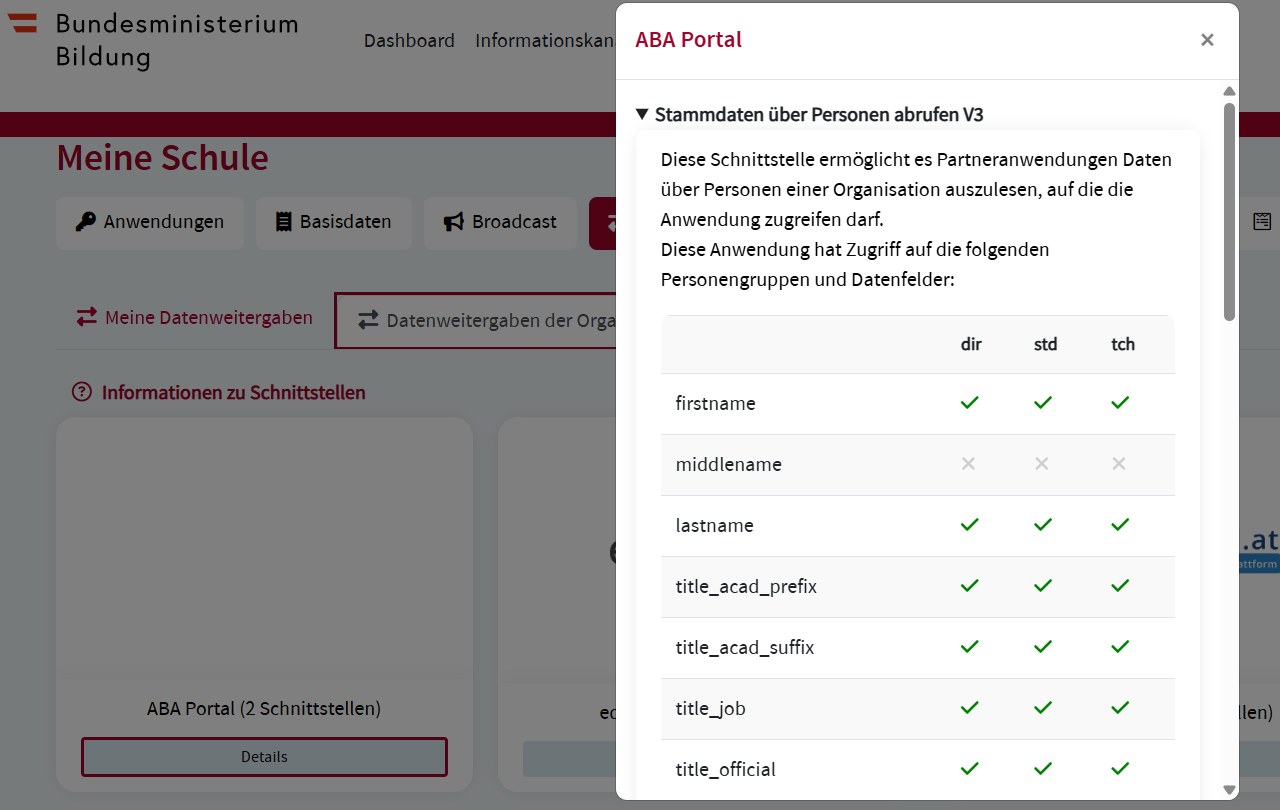
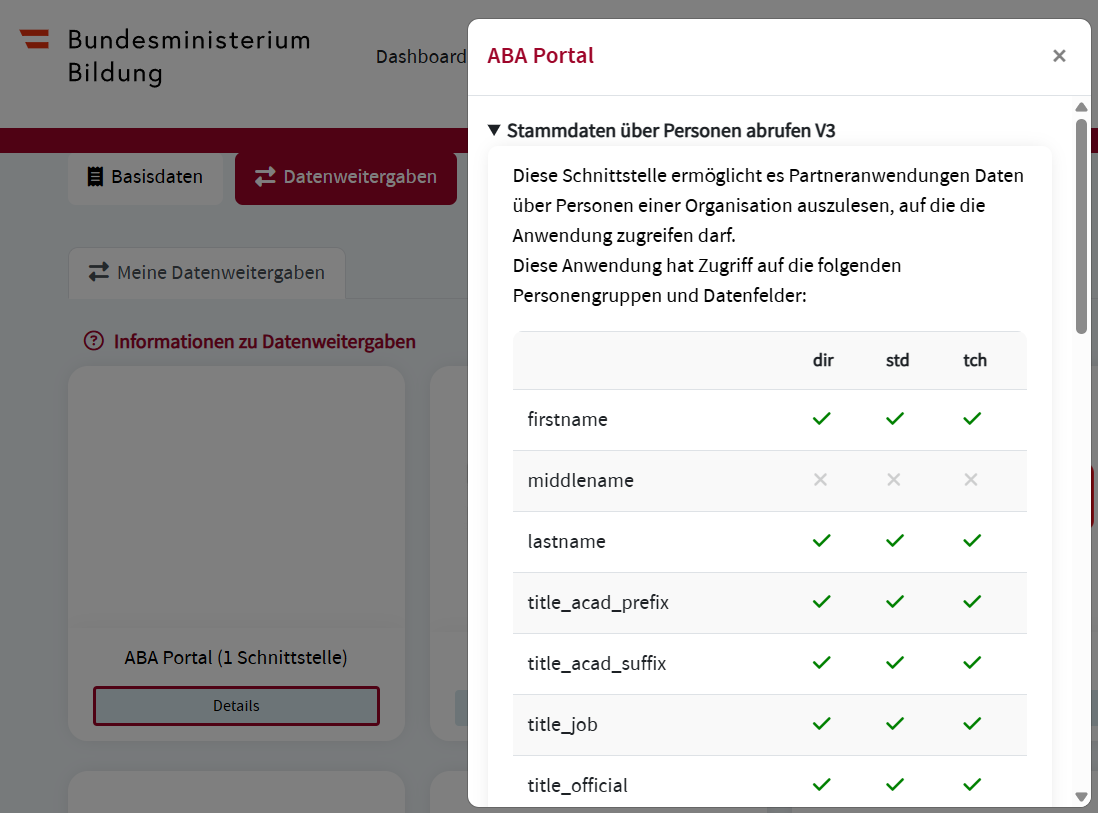
The amount of interfaces used by an application is indicated in brackets after the name of the application. Click Details to display detailled information on the data that is shared with the application.
Principals and authorized employees can also display the data transfers of the organization in the Data transfers organization tab.